Back Home

Empowering Dealers with a In-Store Digital Kiosk Experience via iPad
Modernizing the wheel buying experience for customers at in-store showrooms
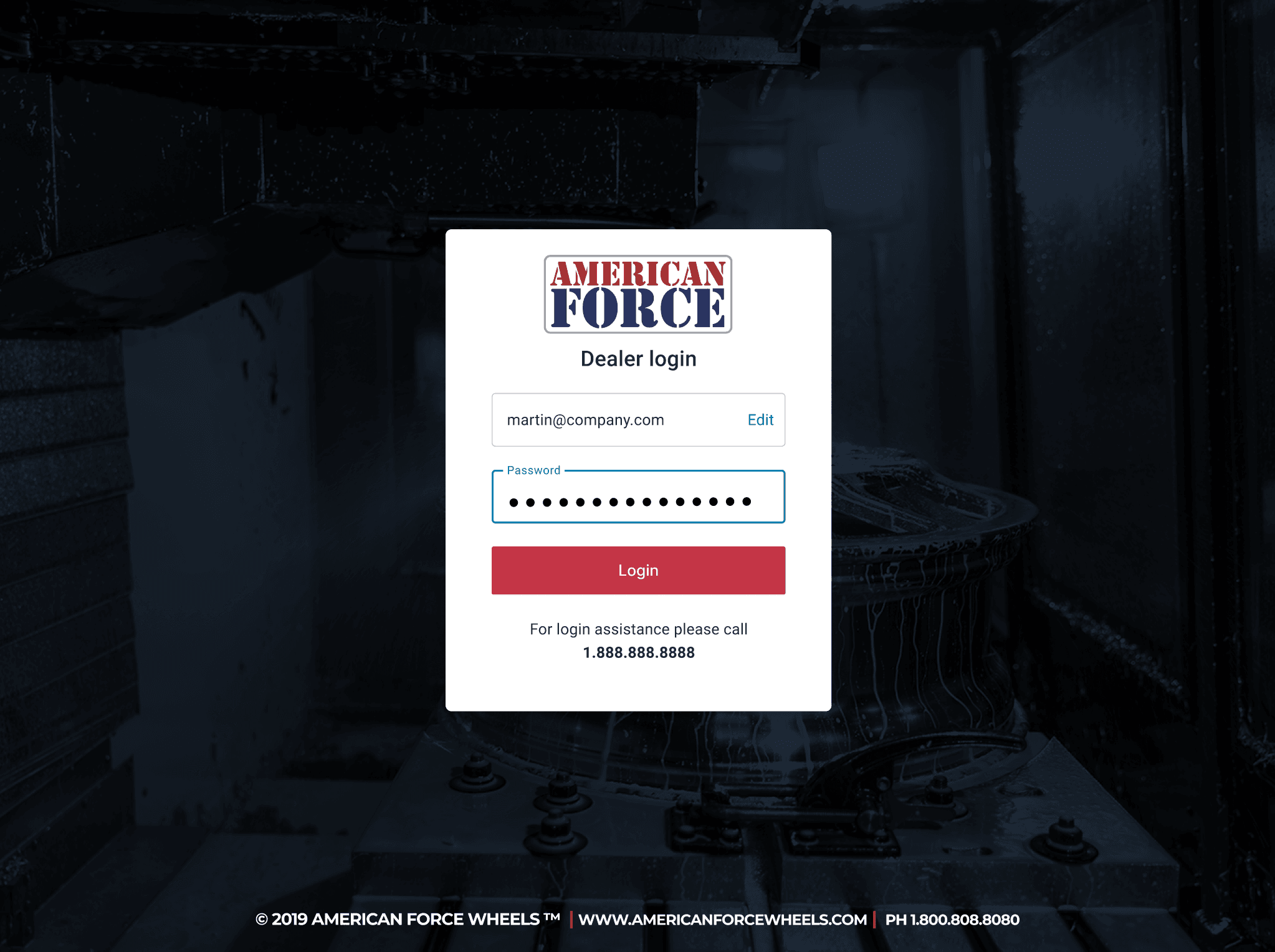
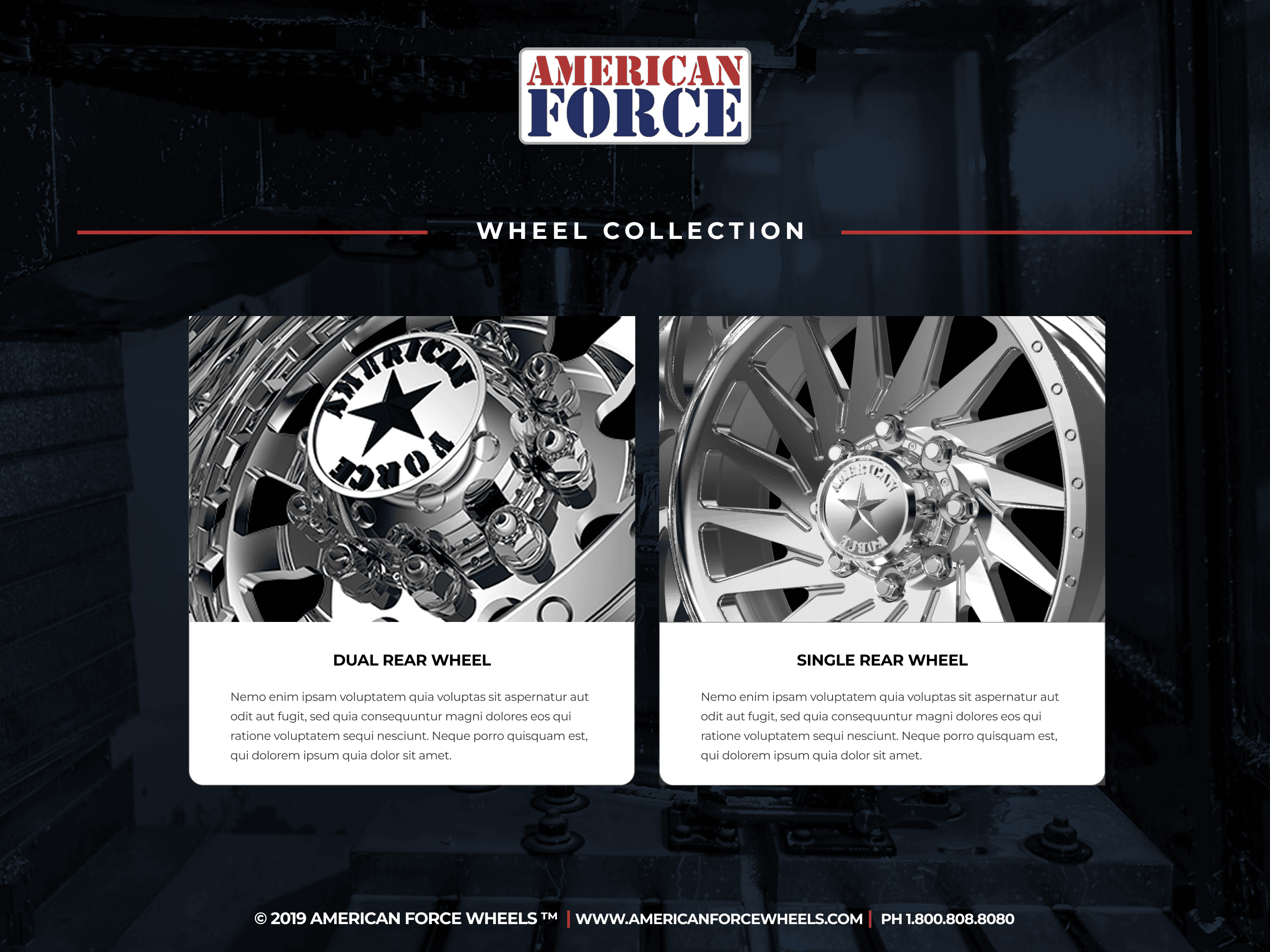
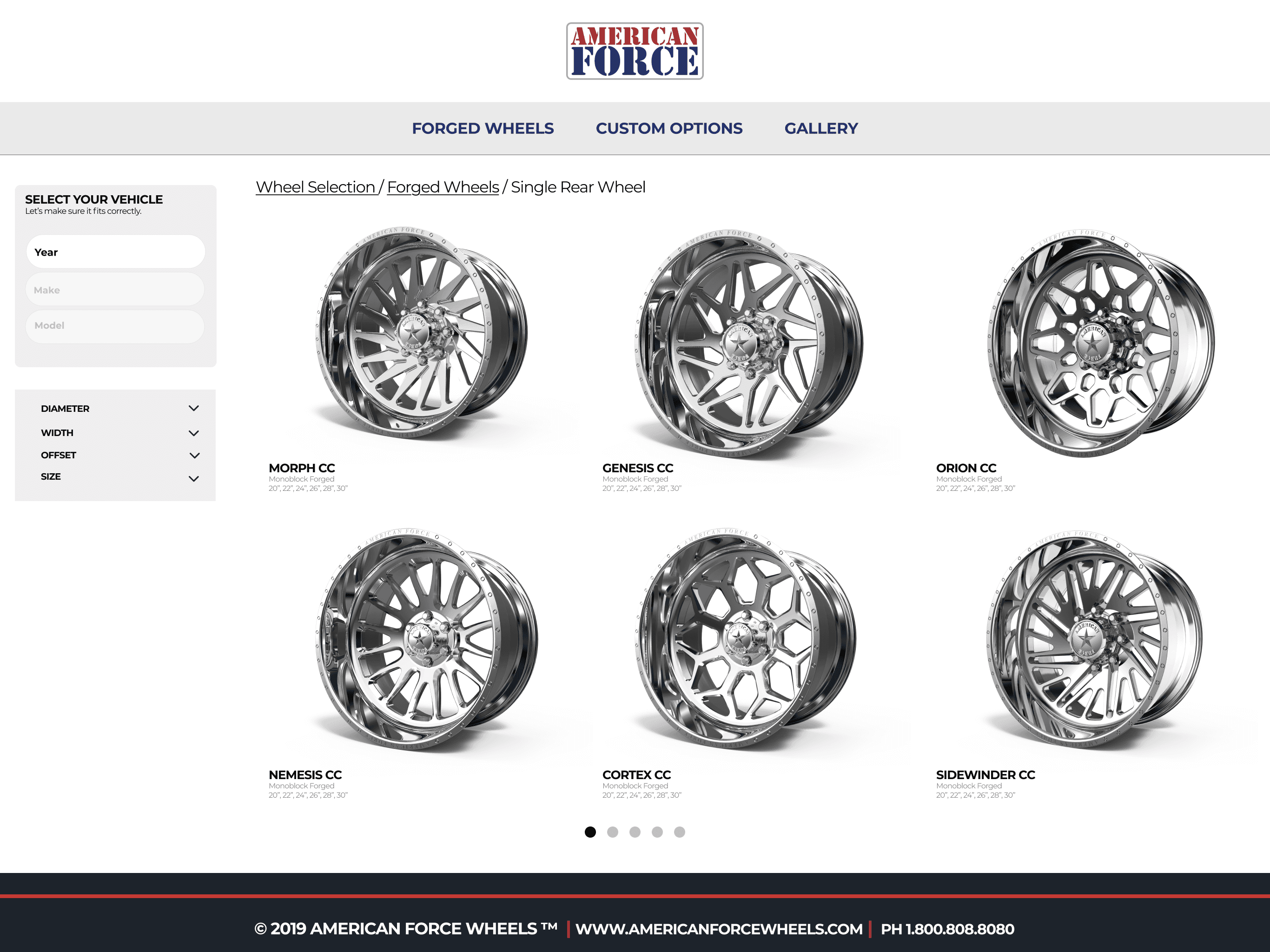
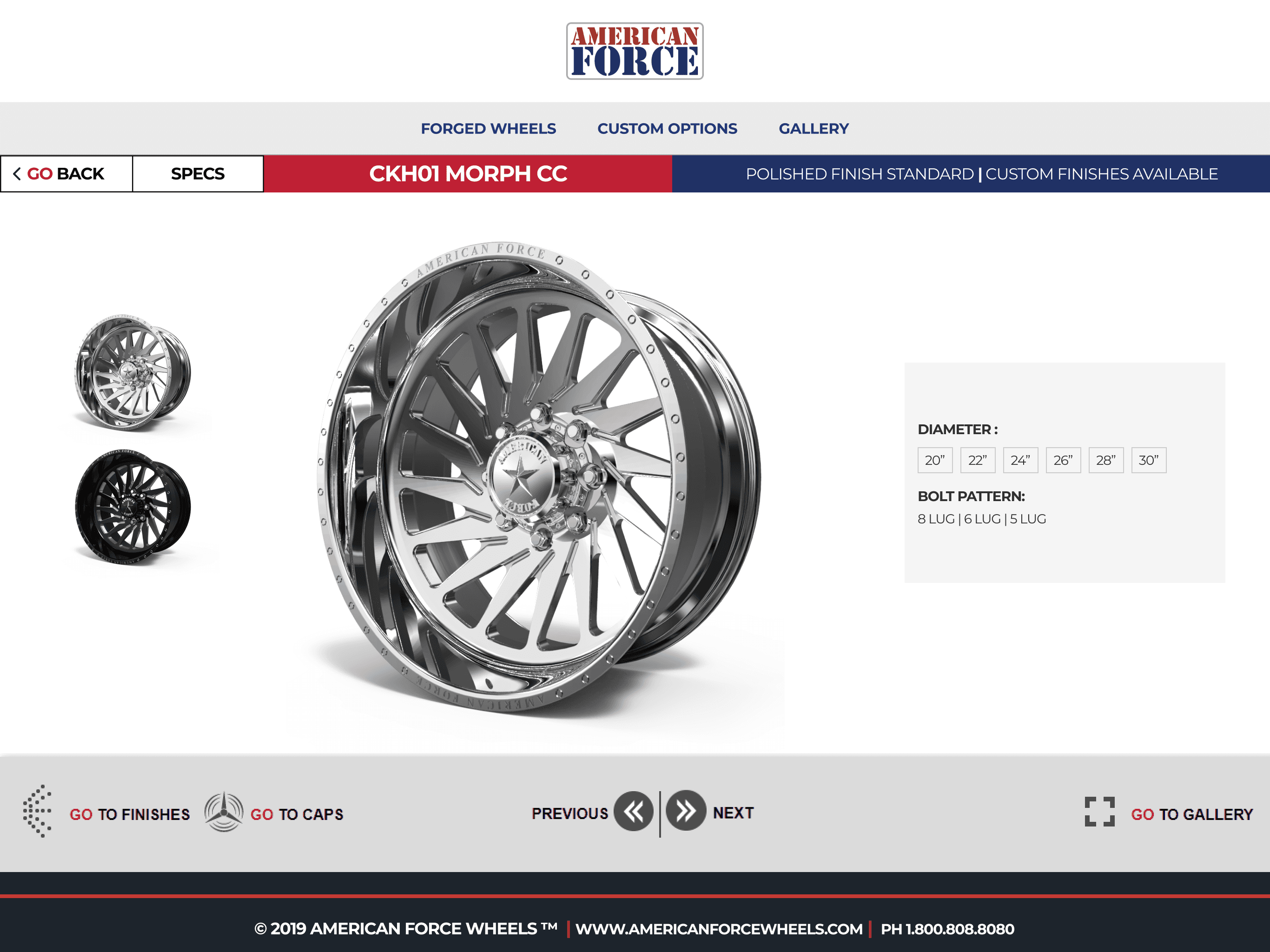
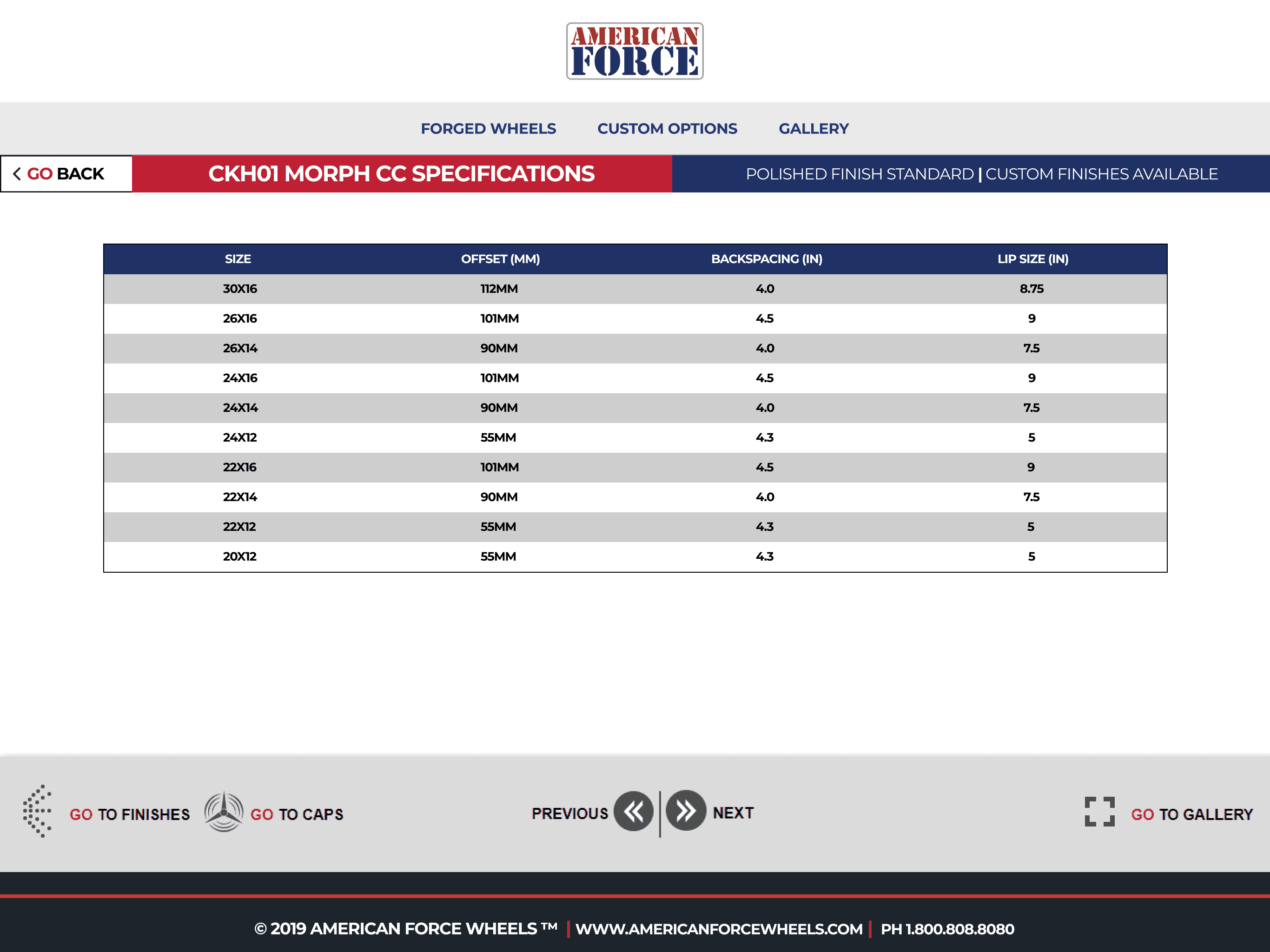
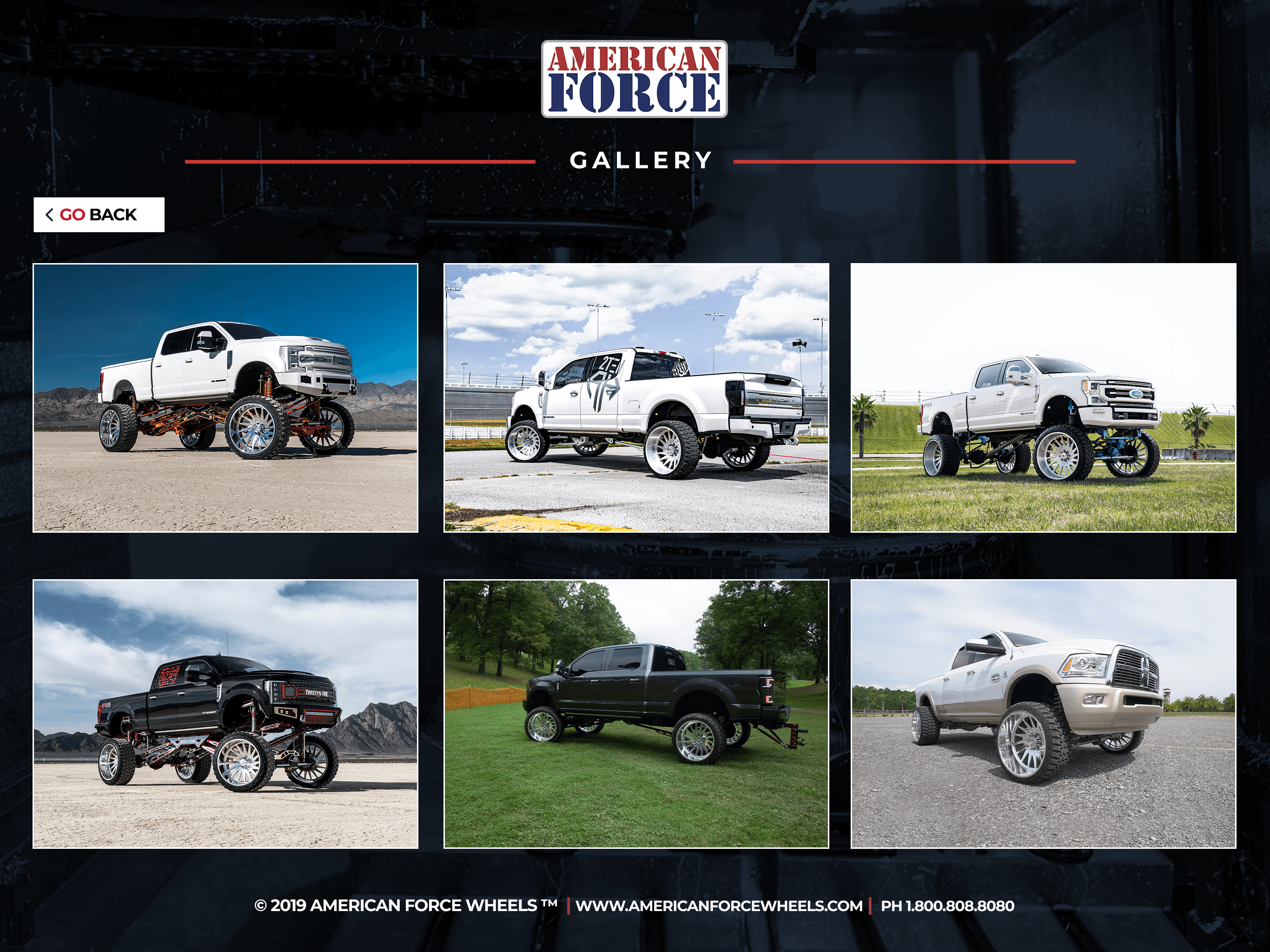
Wheel distributors and dealers rely on outdated paper catalogs to help customers browse and select products. This leads to a slow, inconsistent and less engaging sales experience.
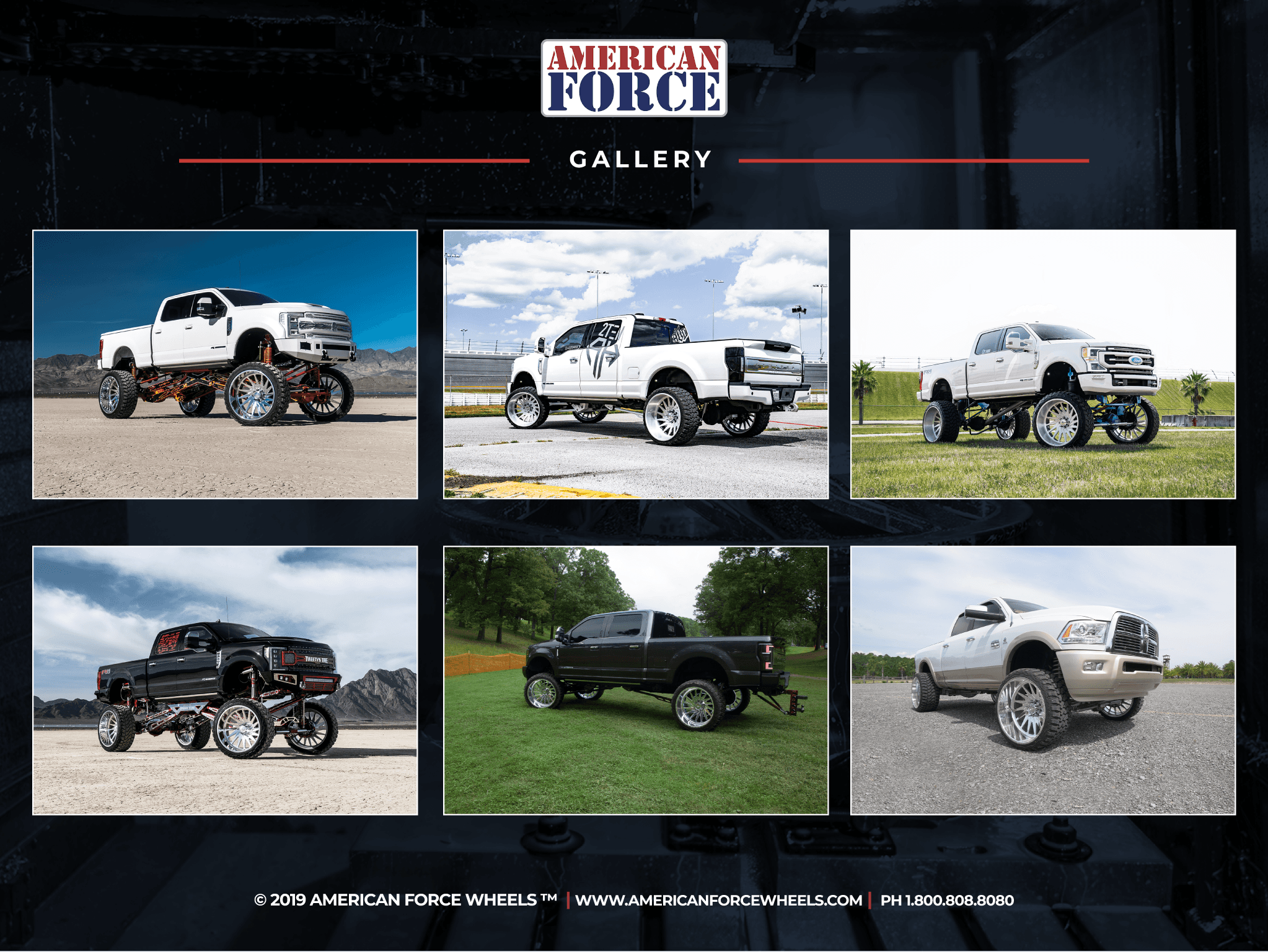
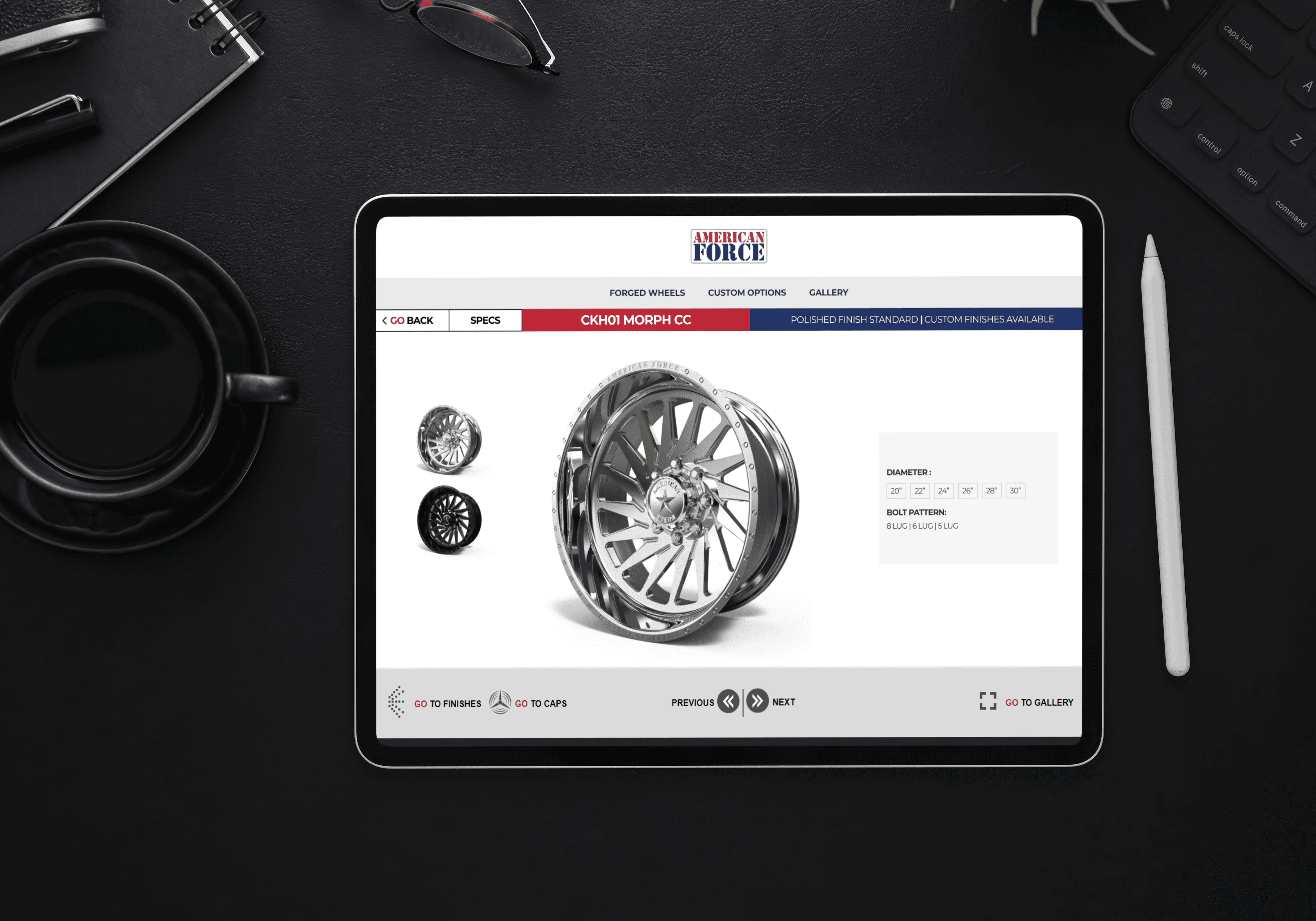
Develop a streamlined iPad kiosk app that enables Sales Associates to easily showcase wheel styles, product specs, and image galleries. This delivers a faster, more professional and engaging in-store experience without relying on print materials.
UX Research
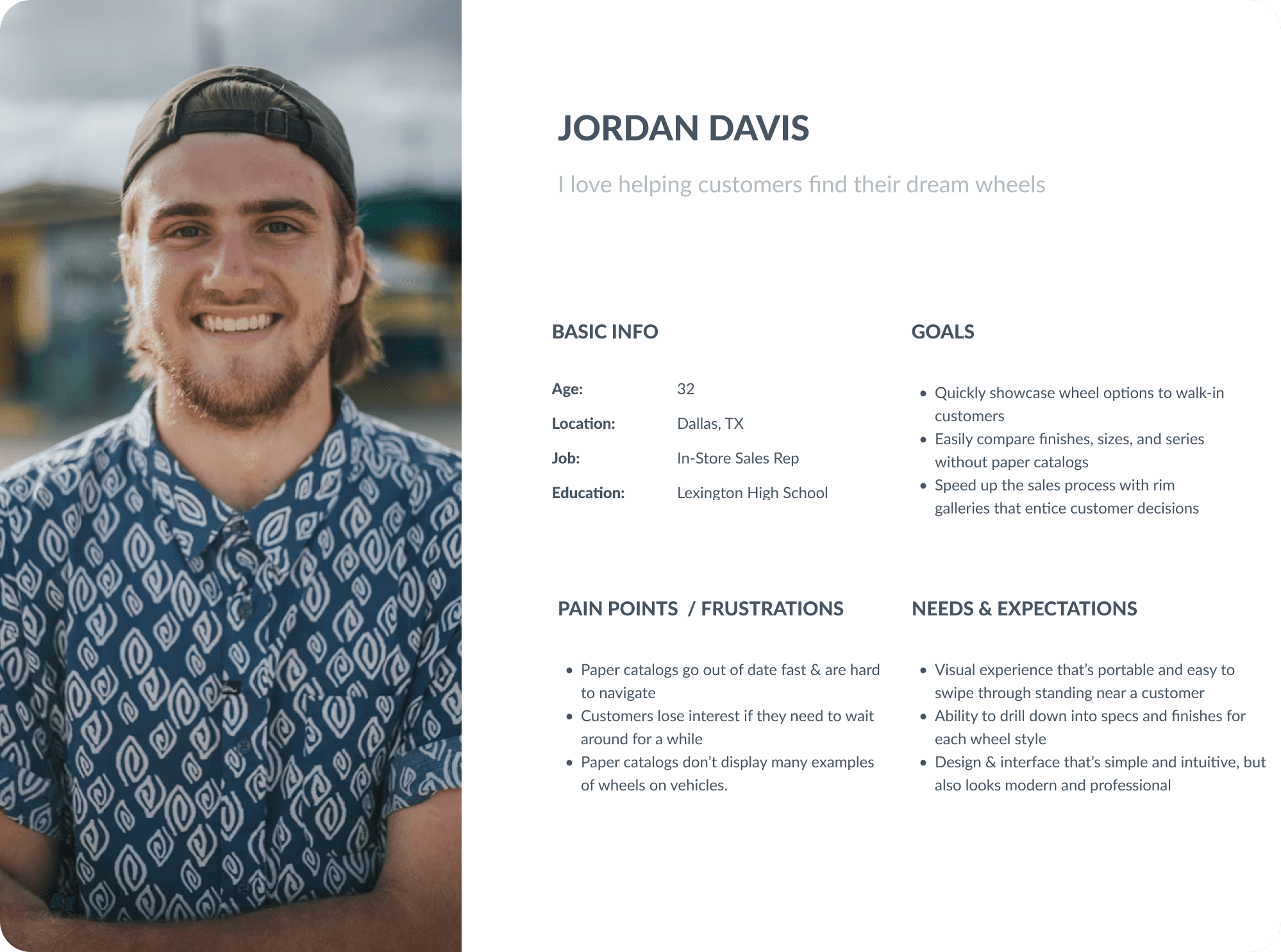
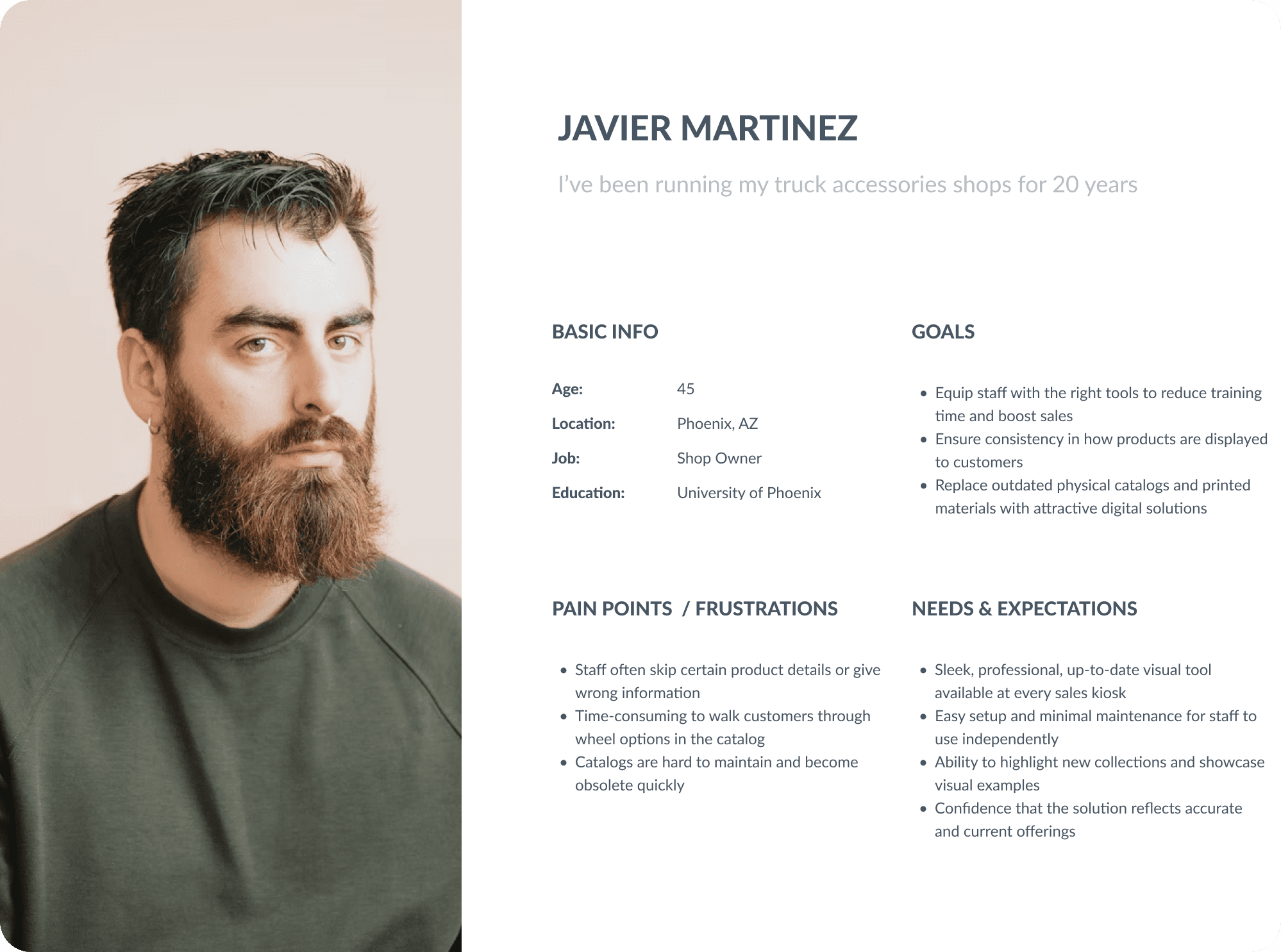
To better understand the needs of our target users, personas were developed representing the two primary roles interacting with the iPad kiosk app: Sales Associates and Store Managers/Owners.
These personas helped guide design decisions by identifying pain points, expectations and behavioral patterns. By focusing on their day-to-day challenges and goals, I ensured the solution would streamline workflows, enhance customer interactions, and support business efficiency at the dealership level.
Establishing a clear and intuitive information architecture was critical to ensuring Sales Associates could quickly access product details during customer interactions. The IA focused on simplifying navigation between wheel collections, style galleries and technical specs, while prioritizing speed, clarity, and flow.
The content is organized into logical categories that mirrored how sales reps present information to customers. This reduced friction, and eliminates the need to flip through print catalogs to find certain details.
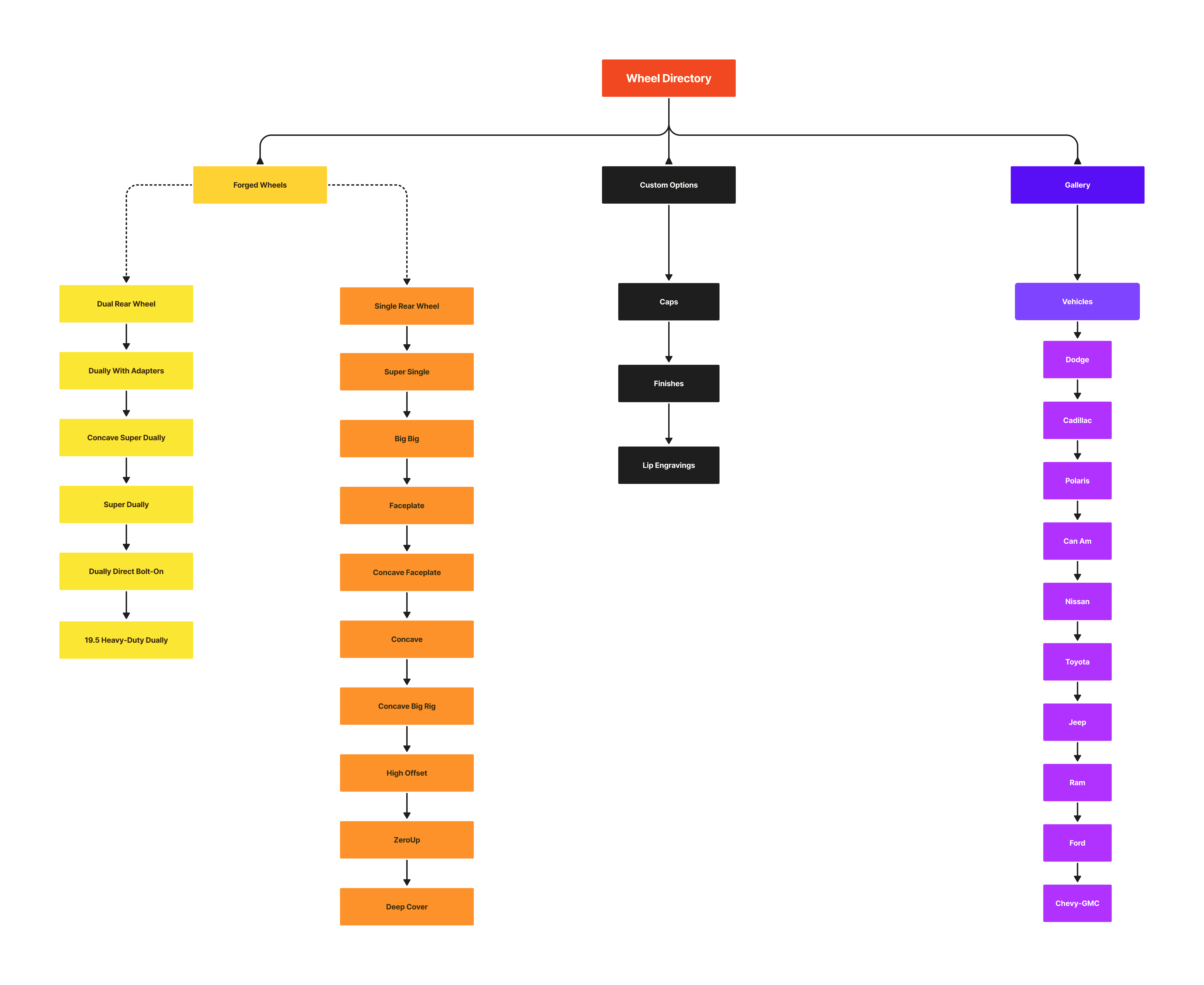
To ensure the Information Architecture (IA) was intuitive for both Sales Associates & Store Owners, a Tree Test study was conducted using the proposed navigation structure shown above. The goal was to validate whether users could quickly and confidently locate specific wheel categories, styles, and vehicle galleries without the aid of visual UI elements.
Participants were asked to complete tasks such as:
Where would you go to find Super Dually wheels?
If a customer wanted to see all possible wheel sizes & offsets, where would you navigate?
How would you find wheels that will fit a Toyota Camry?
Key Findings:
Overall success rate: 93% of participants correctly located the correct destination.
Top-level clarity: Users easily distinguished between major categories such as "Forged Wheels", "Custom Options" and "Gallery".
Navigation: Gallery Navigation performed well for brand-specific pathways (ex. Jeep, Dodge, Ford, etc.) recognized instantly by all testers.
Outcome:
Insights from the Tree Test helped reinforce the strength of the top-level categorization, and informed minor label adjustments to improve clarity. These insights & refinements helped establish that the final app experience would feel intuitive and easy to navigate for users.
UX Design
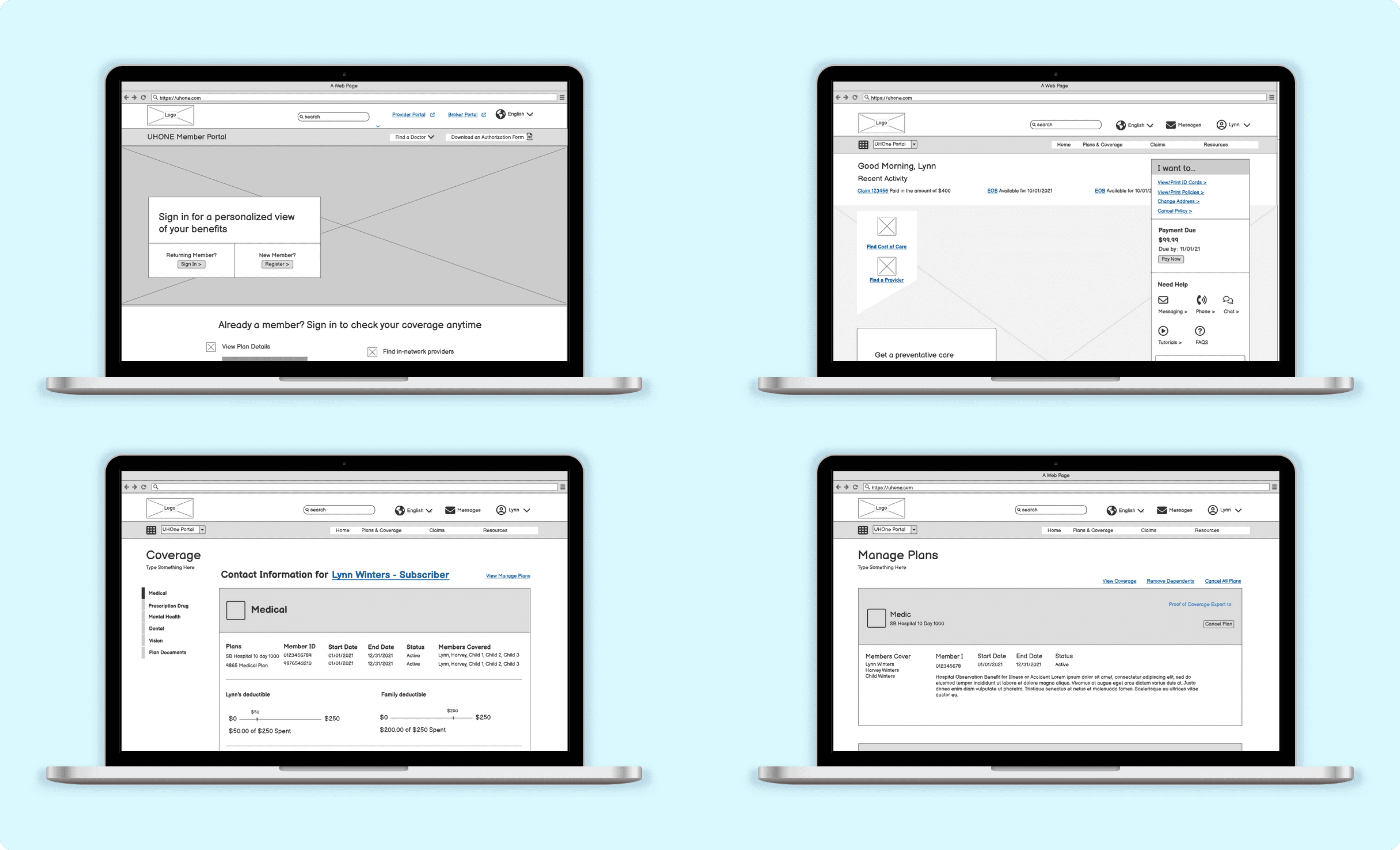
Initial wireframes were created using Balsamiq to quickly explore layout ideas and gather early feedback during ideation sessions with stakeholders. We conducted two rounds of low-fidelity usability testing using clickable prototypes. Findings were incorporated to refine key screens before moving into creating high-fidelity wireframes.
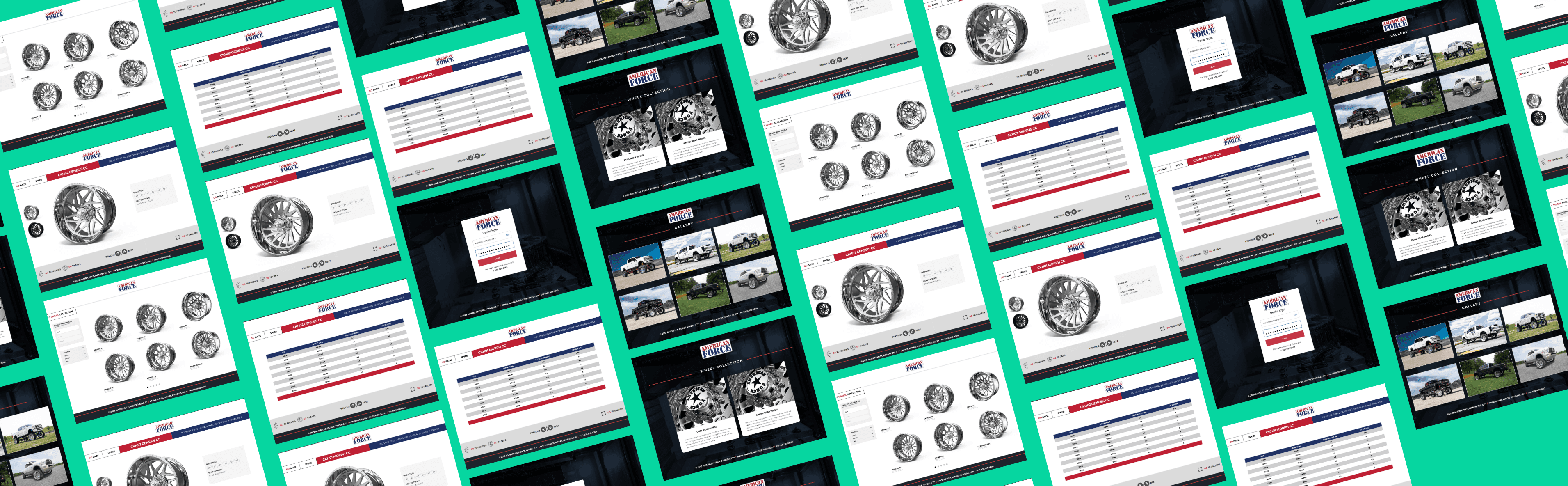
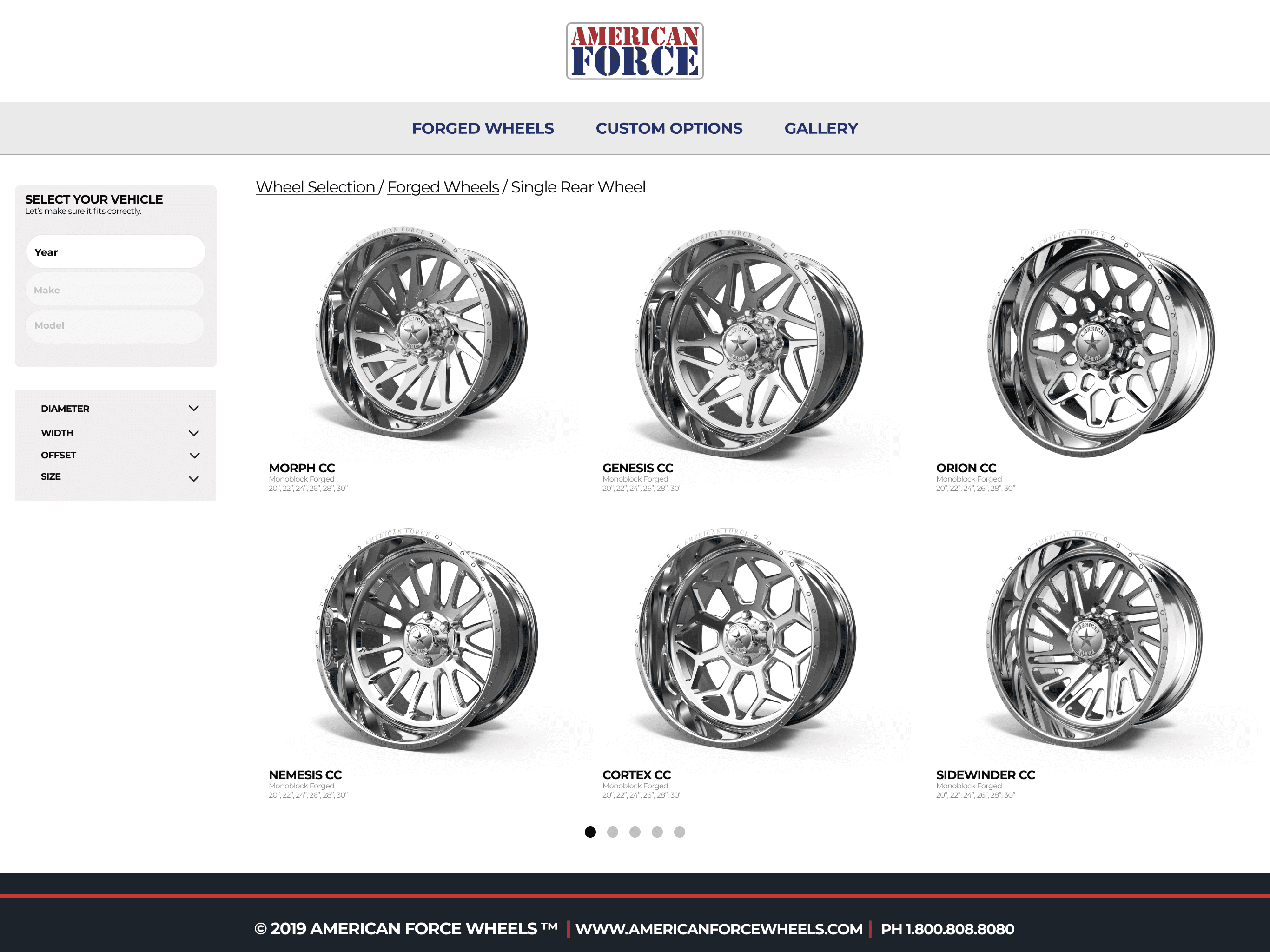
High-fidelity wireframes were initially created in Sketch, then imported and refined in Figma. These wireframes incorporated visual hierarchy, branding elements, and realistic visuals to simulate the final product.
Designs were continuously refined based on stakeholder feedback and insights gathered from usability testing over several rounds. This ensured a polished, intuitive experience tailored for the in-store dealer use.